Custom Projects
Case studies of solving client problems
On occasion I stumble across a project that doesn’t fit neatly in any of the categories of my services. These are a few of the one-of-a-kind builds where a third-party platform needed taming, a clunky process got quietly reengineered, or a client said, “Can this even be done?” and I said, “Let’s find out.”
Outside-the-Box Concoctions
- Insurance Agent SSO – Unified Access to Fragmented Systems
- Nonprofit Arts Center – Seamless Class Catalog Integration
- Small College Microsite – “Find Your Fit” Experience
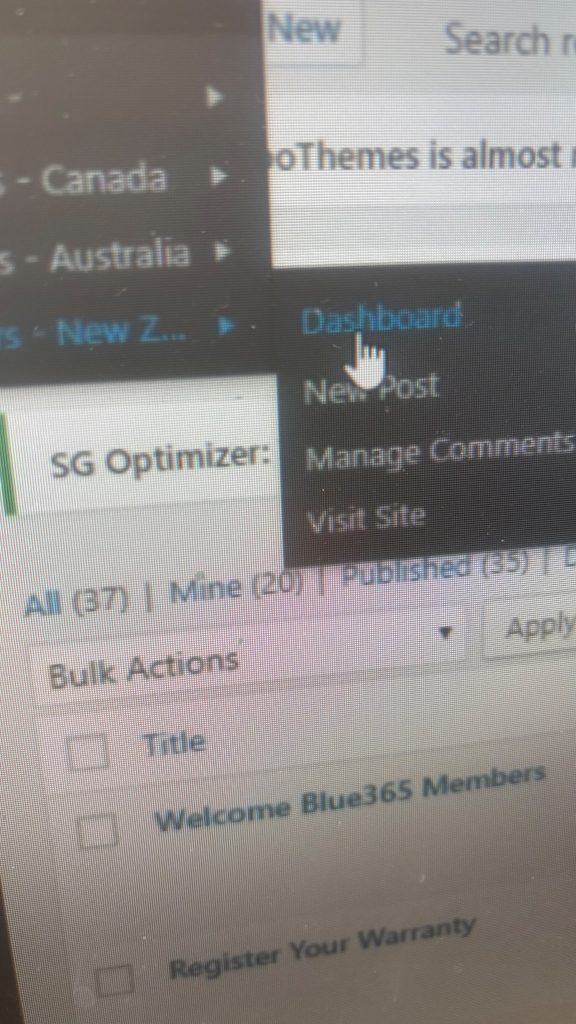
- Global Ecommerce – Smart Geolocation Redirects
Insurance Agent SSO – Unified Access to Fragmented Systems
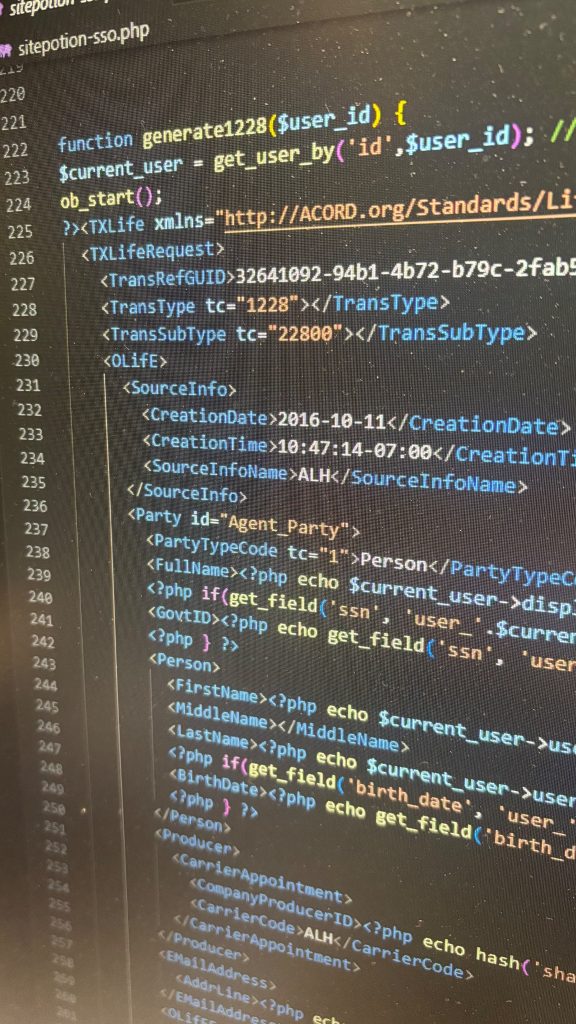
A consulting firm serving independent insurance agents needed a single sign-on (SSO) tool to simplify access across multiple insurance providers. The catch? Each provider had its own API, its own logic, and no incentive to standardize.
I built a custom authentication system from the ground up. First, I created a secure internal structure for managing agent credentials. Then, I built a pilot interface to connect with a single insurance provider’s API. Once that proved successful, I expanded the system to integrate with additional providers, each having their own account creation flows, vocabulary, and backend behavior.
This entailed more than just programing the same logic with different naming conventions. Every integration required bespoke handling. But importantly from the user’s perspective, everything operated seamlessly with one login, one dashboard, and one unified experience.
I also created admin tools that let non-technical staff manage agent accounts, troubleshoot access issues, and monitor usage without having to know anything about the code. The end result was a useful bridge between disconnected platforms with a clean interface that hid all the complexity behind the scenes.
Nonprofit Arts Center – Seamless Class Catalog Integration
This community-focused nonprofit offers a full calendar of art classes—painting, sculpture, photography, you name it. The problem? Their course catalog and registration were handled through a third-party platform, meaning users had to leave the main website just to explore the course offerings. The nonprofit’s branding disappeared, the UX consistency dropped off, and many visitors never returned.
I built a custom admin interface, allowing them to import their catalog each semester with no coding on their end. The system pulls in course details, availability, and registration links, and organizes them into an easy-to-navigate, searchable experience on the main site.
They export a file from the third-party platform and then upload it to their own website. That’s it.
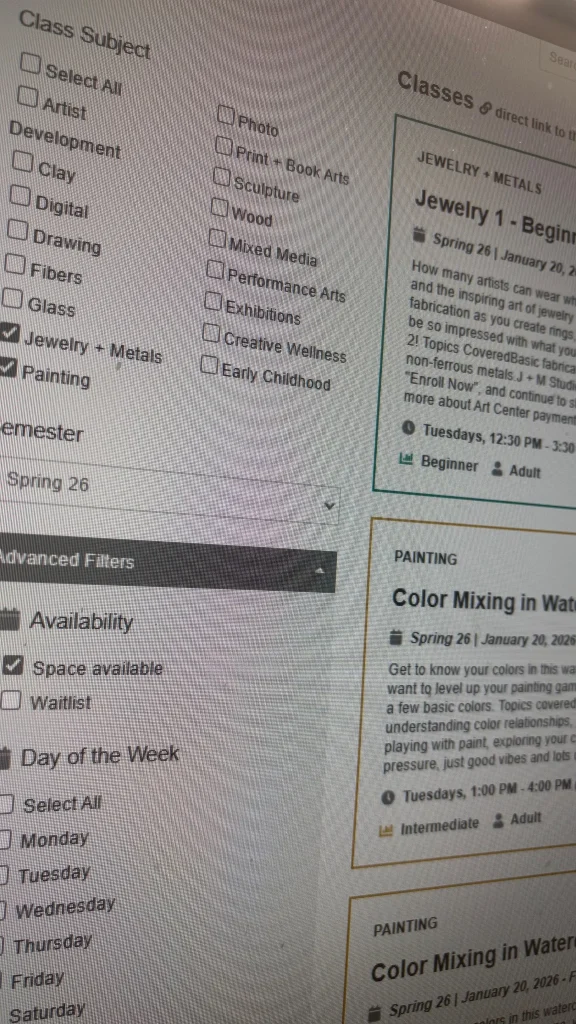
Visitors can now filter classes by topic, age group, day of the week, and more as well as an open text search. As the filters are changed, results load dynamically without the page reloading thanks to some efficient and nostalgic custom SQL query work under the hood.
The end result is a faster, friendlier, and more on-brand experience for users. That’s important for a community of passionate, creative learners who aren’t necessarily tech-savvy. And for the nonprofit, it means better engagement and smoother registration flows.
Small College Microsite – “Find Your Fit” Experience
Working through a design agency, I developed a microsite for a local college aimed at incoming freshmen. The goal? Help students explore fields of study not by wading through course catalogs, but by starting with how they saw themselves.
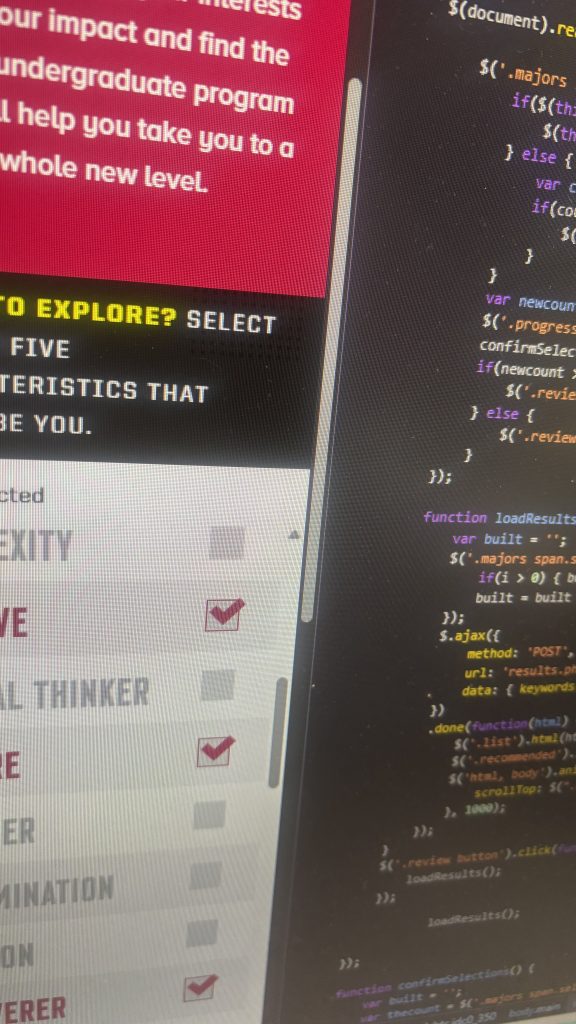
Students selected five adjectives from a curated list, traits like “analytical,” “creative,” or “collaborative.” Behind the scenes, I built a custom scoring system that mapped each attribute to a set of majors, assigning weighted correlations for each. (So if you select “analytical,” accounting will be weighted higher for you. Select “artistic,” and accounting moves to the bottom.)
The user experience was intentionally simple: make five clicks and get three suggested schools to explore, laid out instantly via some compact AJAX code. All the intelligence happened under the hood, keeping the interface clean, responsive, and engaging.
Off-the-shelf forms couldn’t handle this kind of logic. This was a tailor-built tool that delivered real value to students through a graceful, simple interaction.
Global Ecommerce – Smart Geolocation Redirects
For a global ecommerce brand with region-specific subdomains, localization isn’t just about language. It’s about showing the right products, pricing, and shipping options based on where a visitor lived. Users were ending up on the wrong version of the site through shared links and search results, and they were seeing inaccurate prices.
I developed a backend solution that quietly checks each visitor’s IP address against a real-time IP geolocation database (fed by an affordable third-party subscription service). When needed, the system redirects visitors to the correct regional subdomain seamlessly and without friction.
Redirects can be devastating when handled incorrectly. Configure things wrong, and you risk infinite loops, user frustration, and damaging your SEO. I built this one carefully to avoid those traps, ensuring that users landed where they belonged, search engines stayed happy, and the client could finally serve their audience the way they intended.
Adding to the complexity was the need to create a system that non-technical administrative staff could understand well enough to make updates to the catalog and shipping information without needing to consult a programmer each time. I migrated their disparate subdomains to a WordPress Multisite installation and created training videos on how to make all the updates they needed.